
Massive libraries
Ten songs or your whole collection, Vesbera opens just as fast.
Studio-grade player, for Android
Your library is yours. It lives, sorts and plays straight from your phone (or your OneDrive, if you connect it), fast even if it is huge.
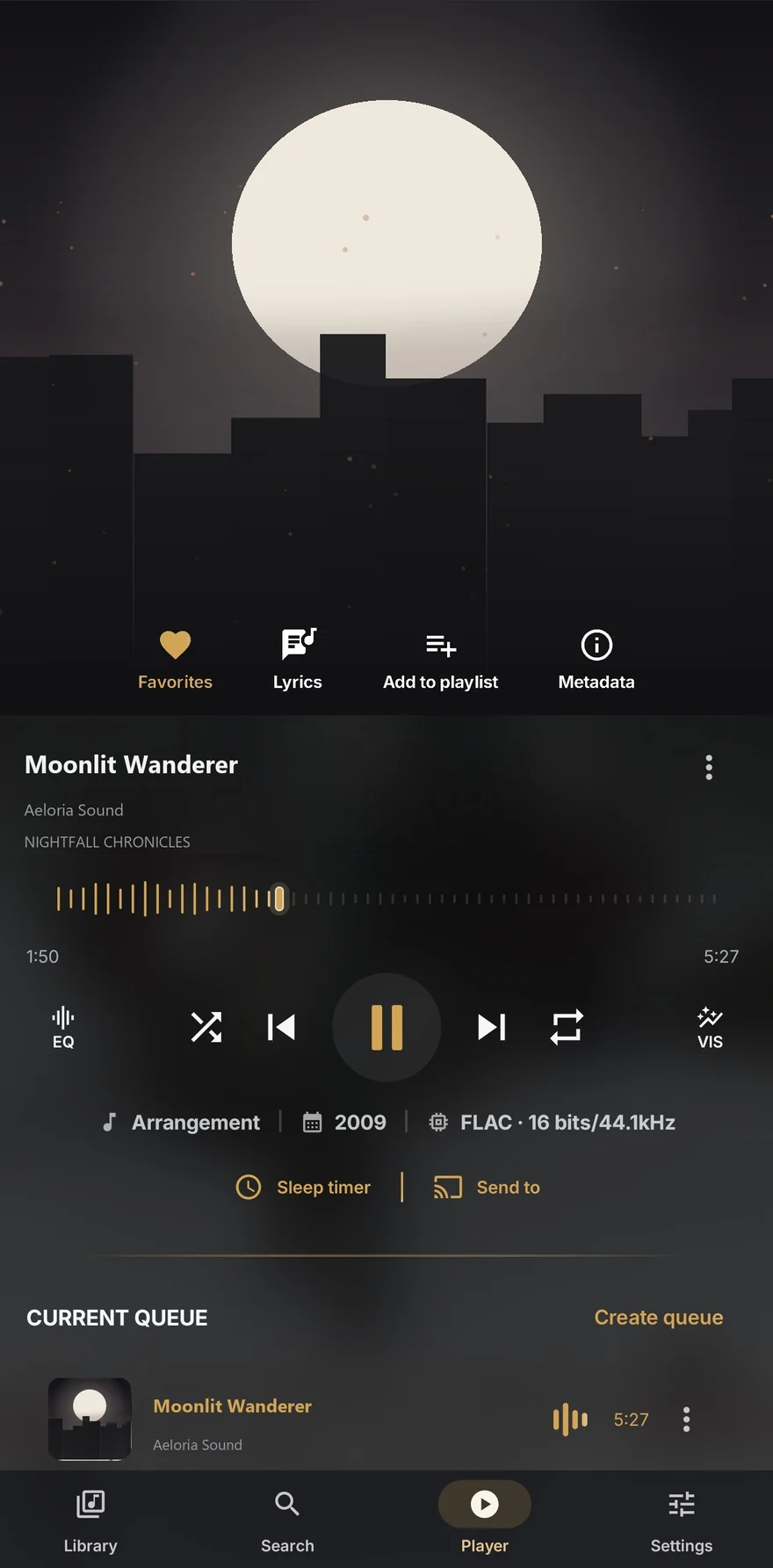
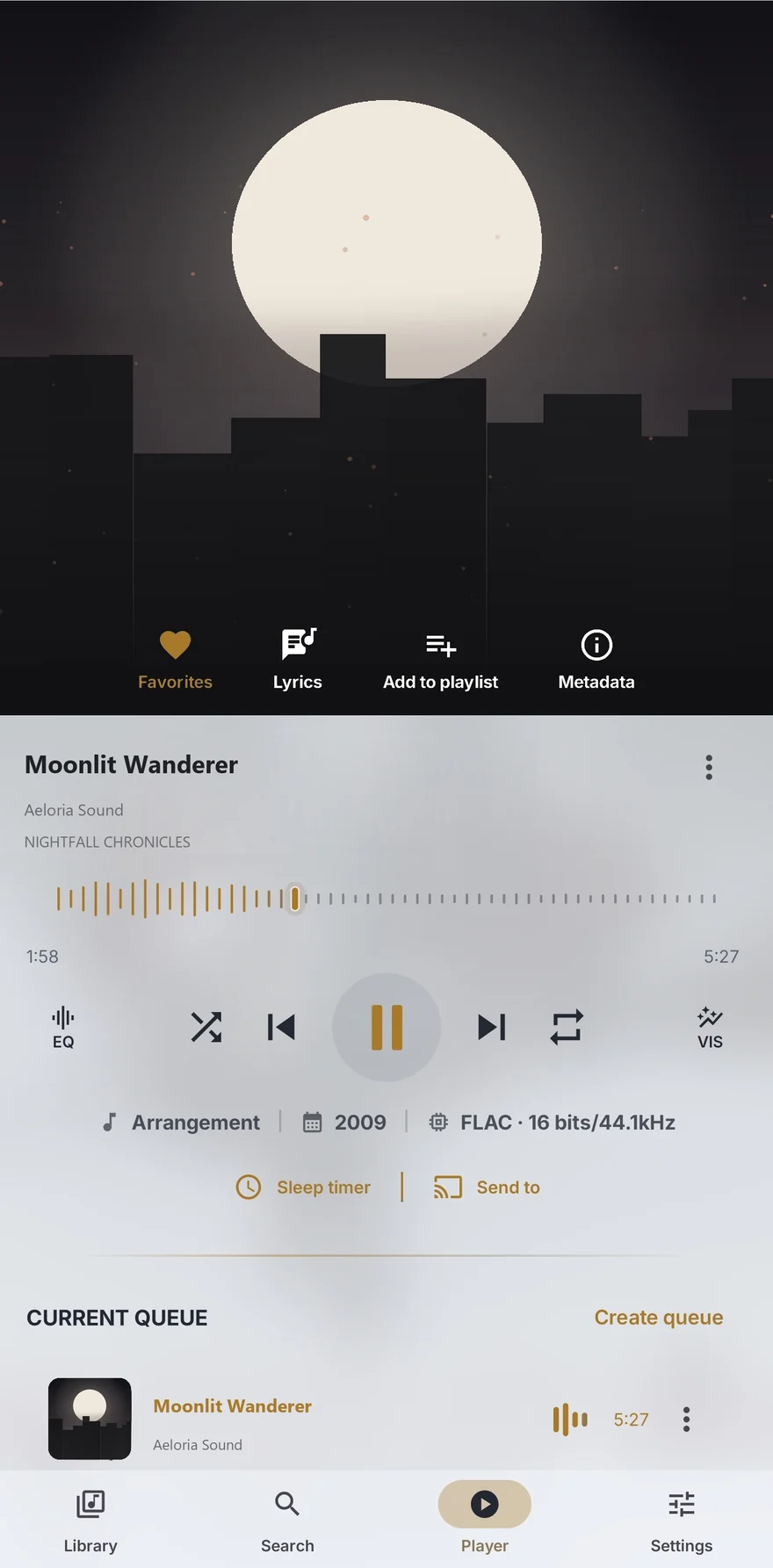
Everything in one place
The clarity of a minimal player with the tools a modern local library actually needs.
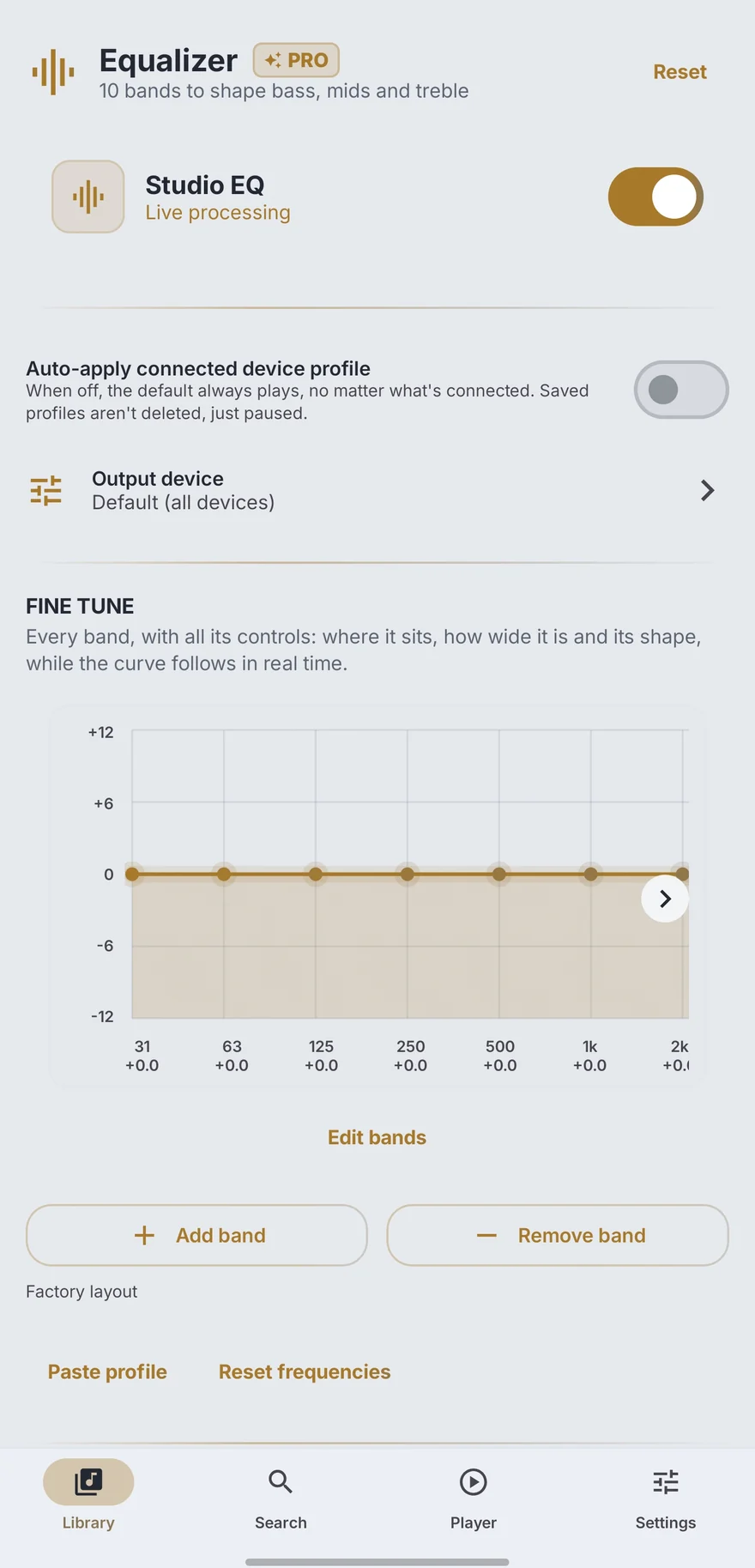
Seven real bands, free; with Premium they grow to 64, with a free-form curve and headphone profiles.
Connect your account and add its folders to your library, streamed with nothing extra downloaded.
Trim on the waveform and export to MP3 or FLAC, without leaving the phone.
Save as many queues as you like and pick each one back up right where you left it.
Send playback to a TV or a compatible speaker, with full control from the phone.
Nine themes, all free, with seven accents, Material You and high contrast.
Fix the title, artist, album or artwork, and see where each cover comes from.
Songs, albums, artists, folders and playlists, with artwork that just shows up on its own.
Queue, shuffle, repeat and .lrc lyrics; your playlists survive a new phone.
Seven smart-queue modes, all computed on the phone.
How long you listened and what you have forgotten, worked out on your phone and never sent anywhere.
Add folders Android does not index, like an SD card.
Screen by screen
Eleven screenshots taken straight from the phone, nothing mocked up. Pick one and see what it does.
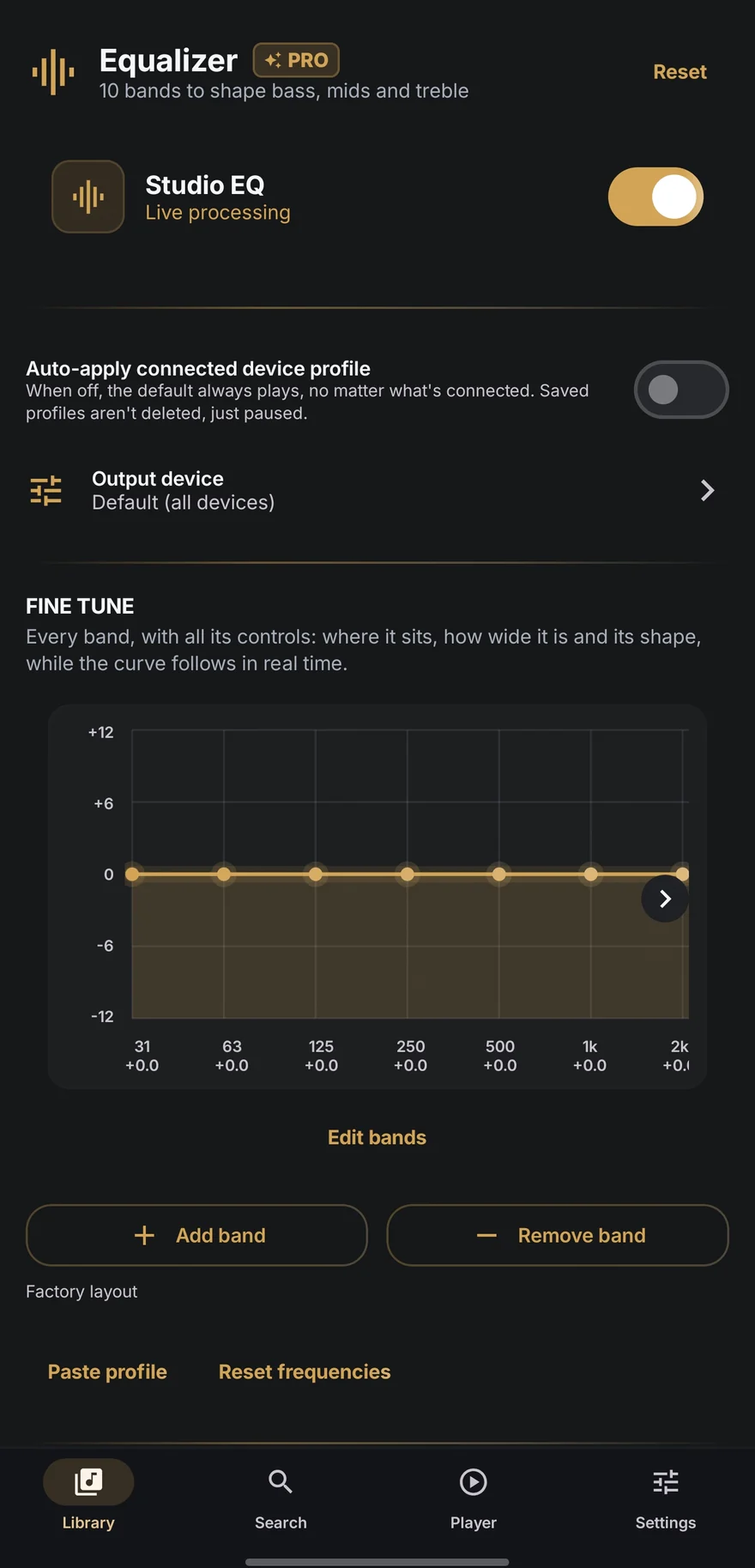
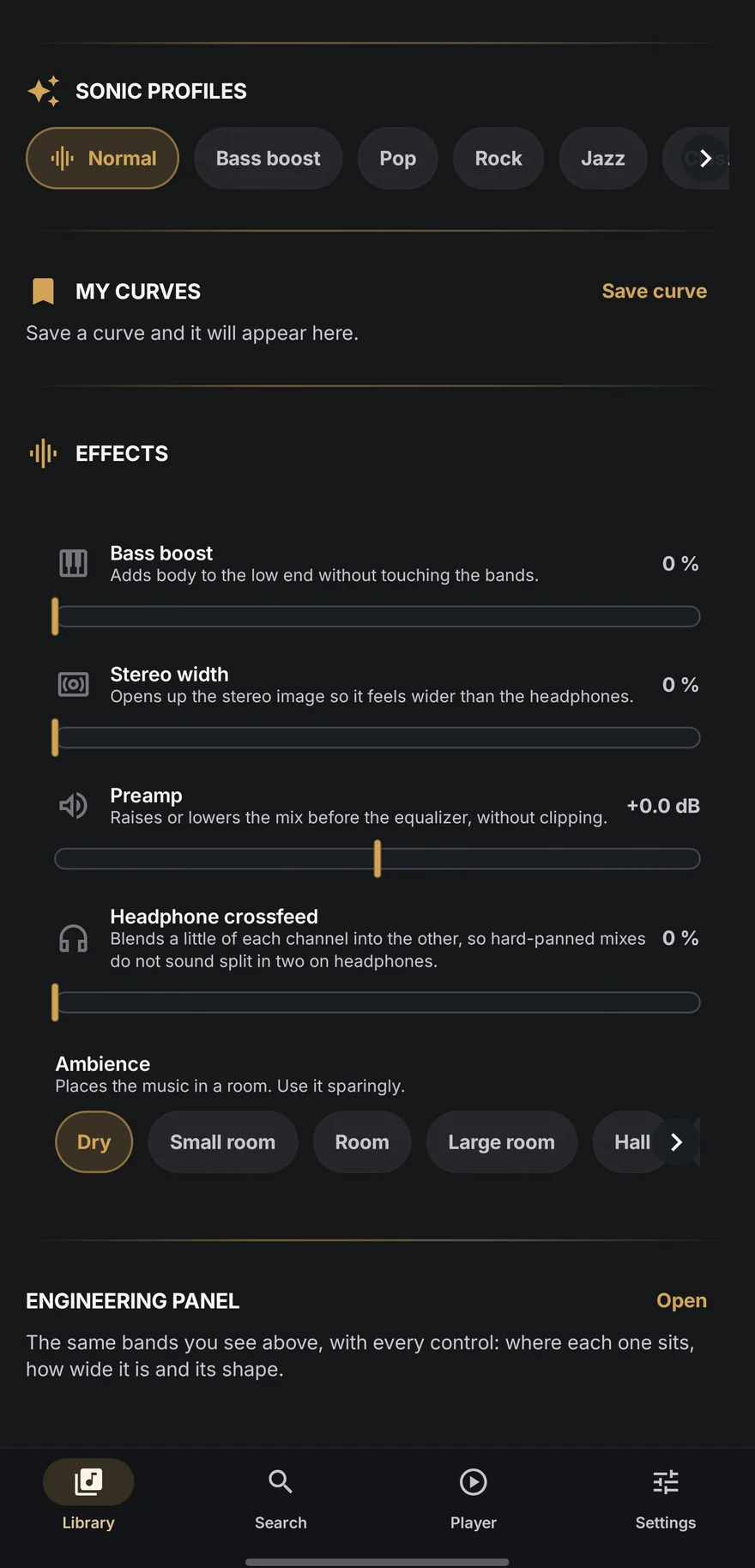
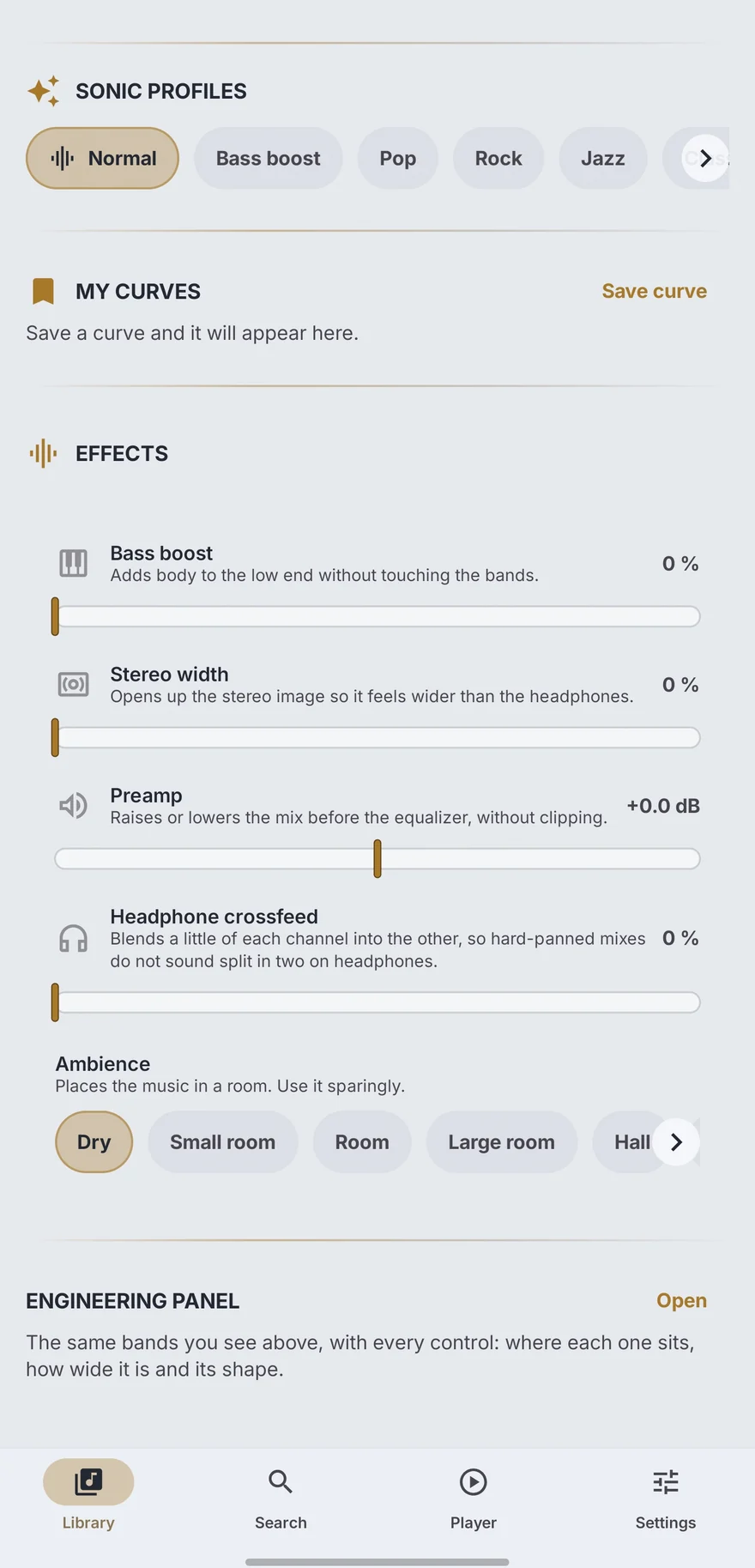
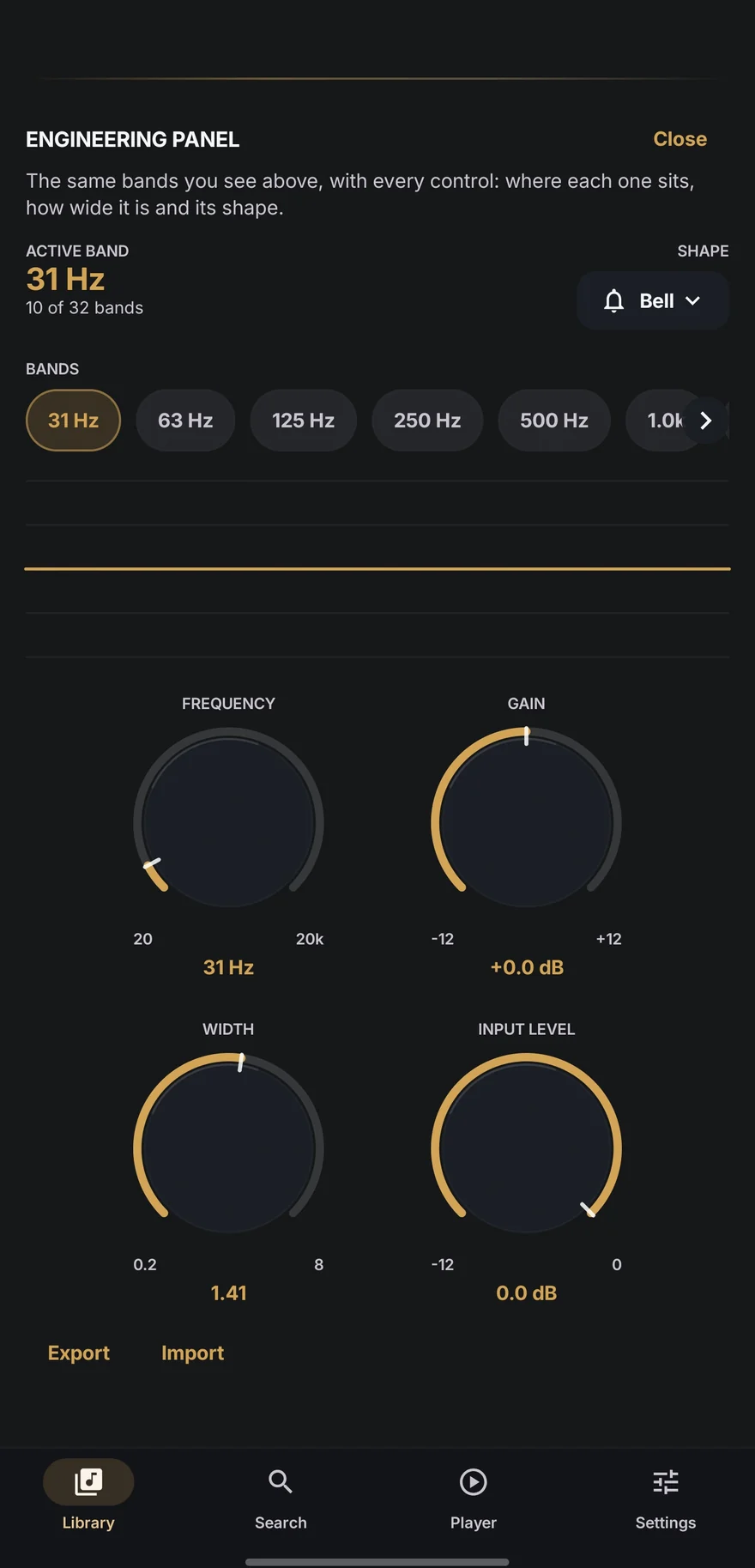
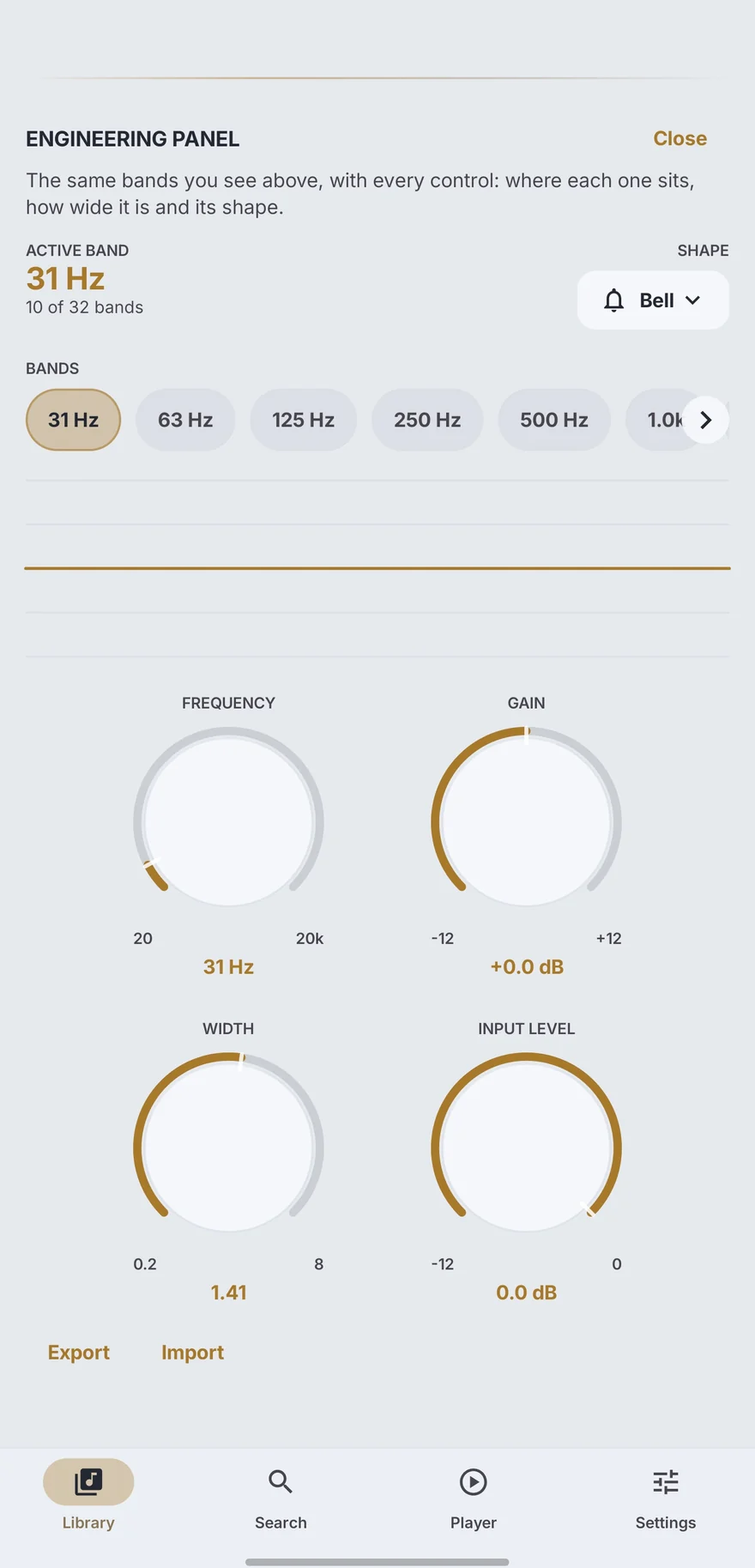
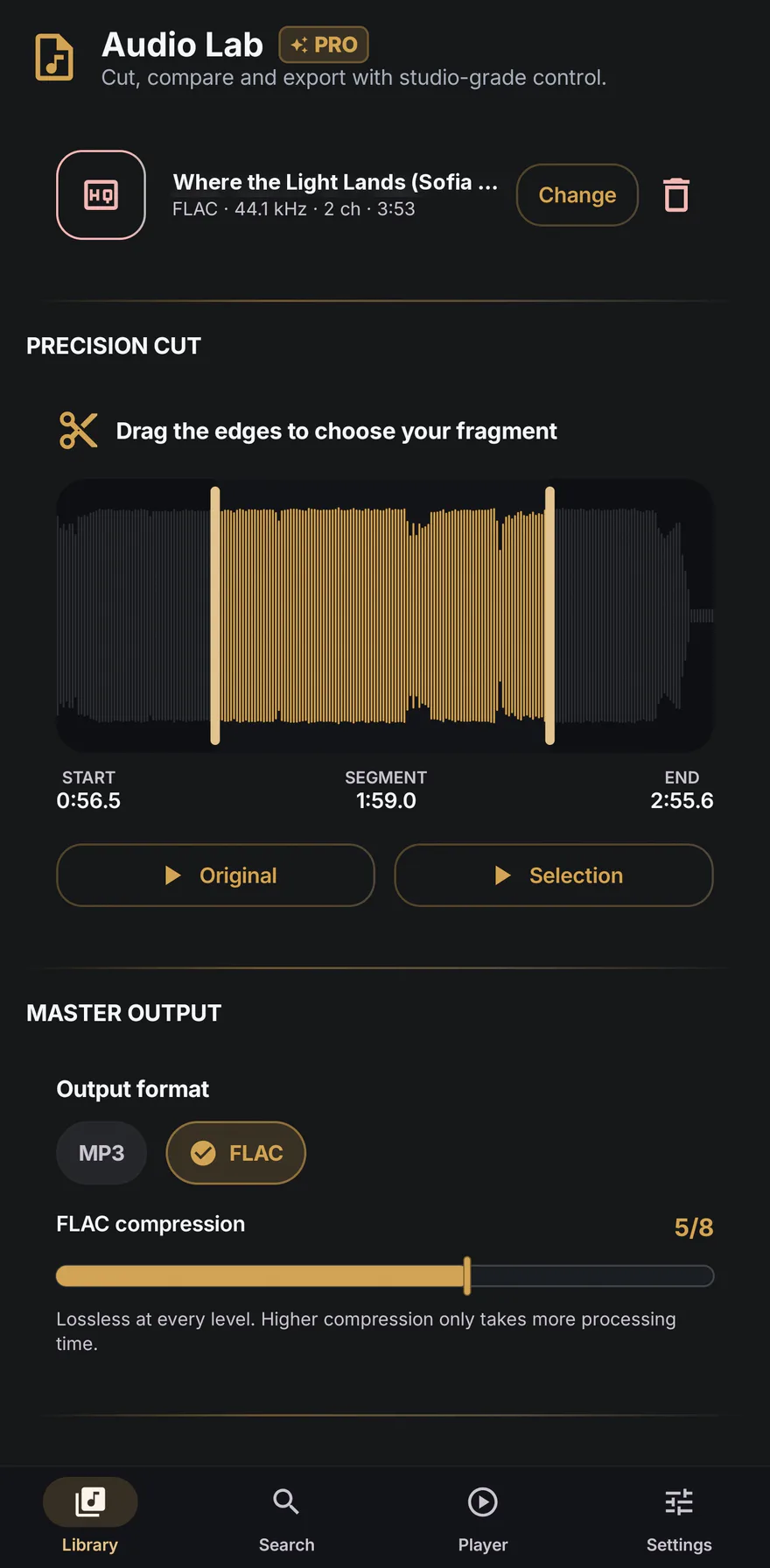
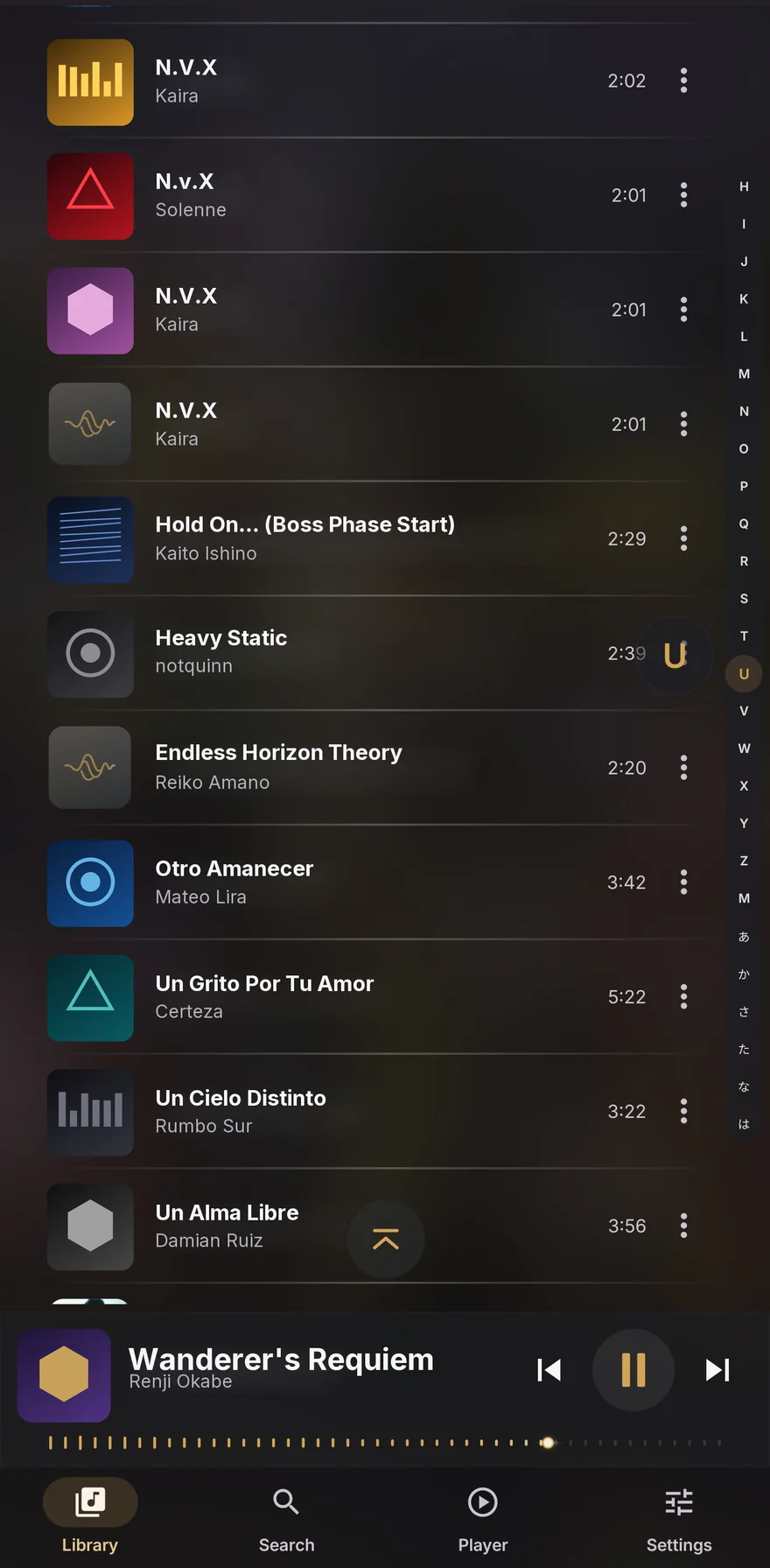
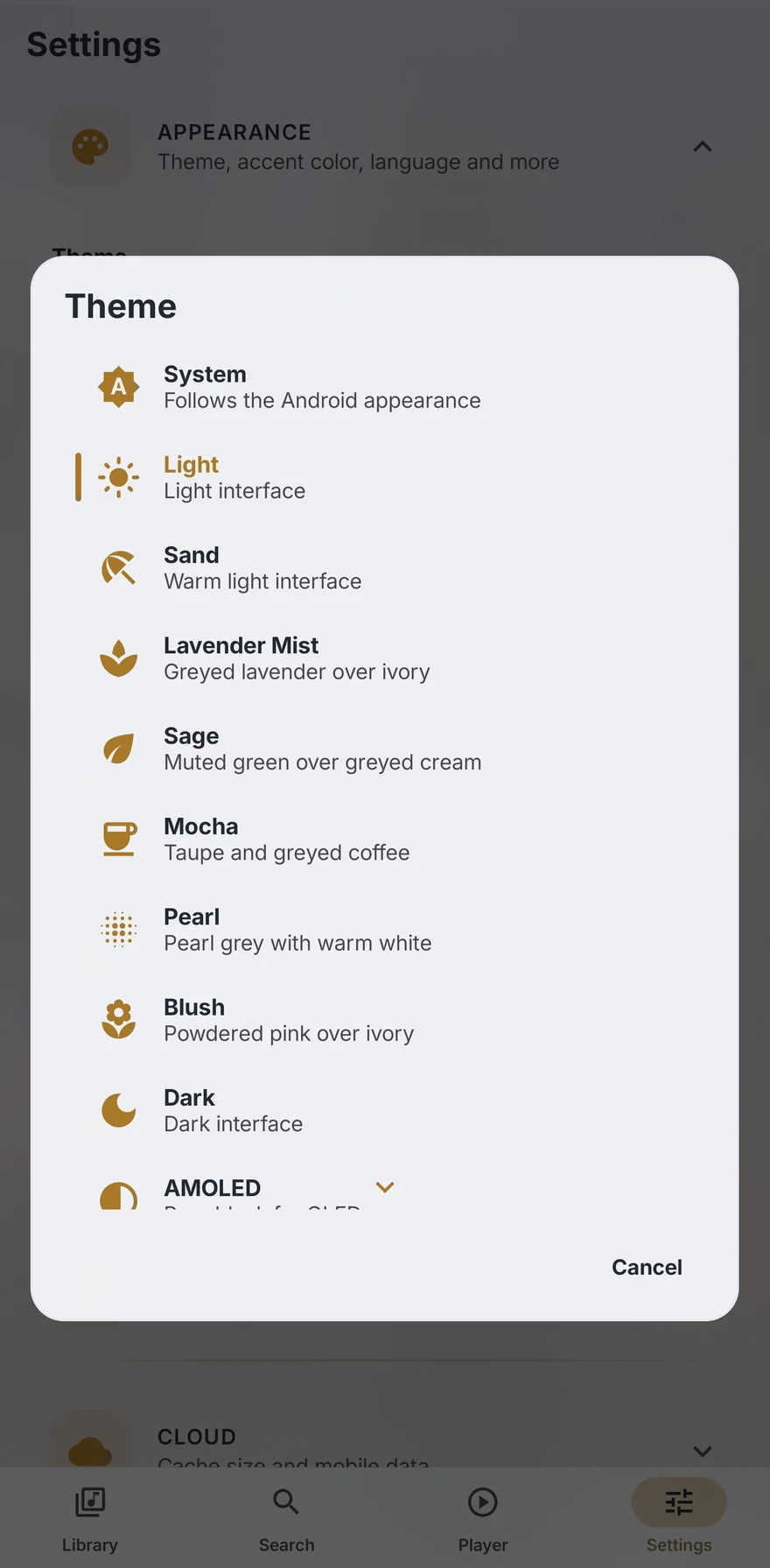
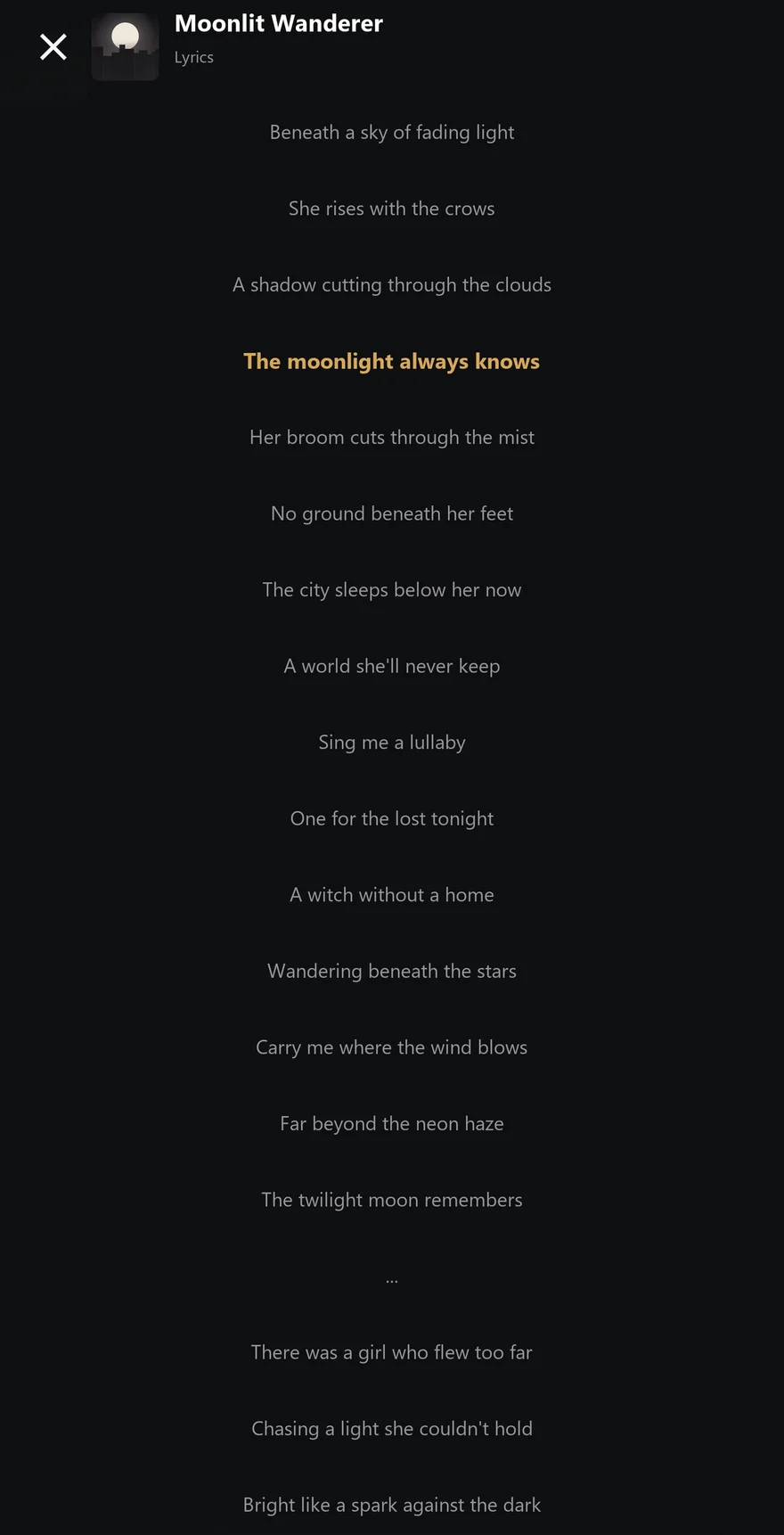
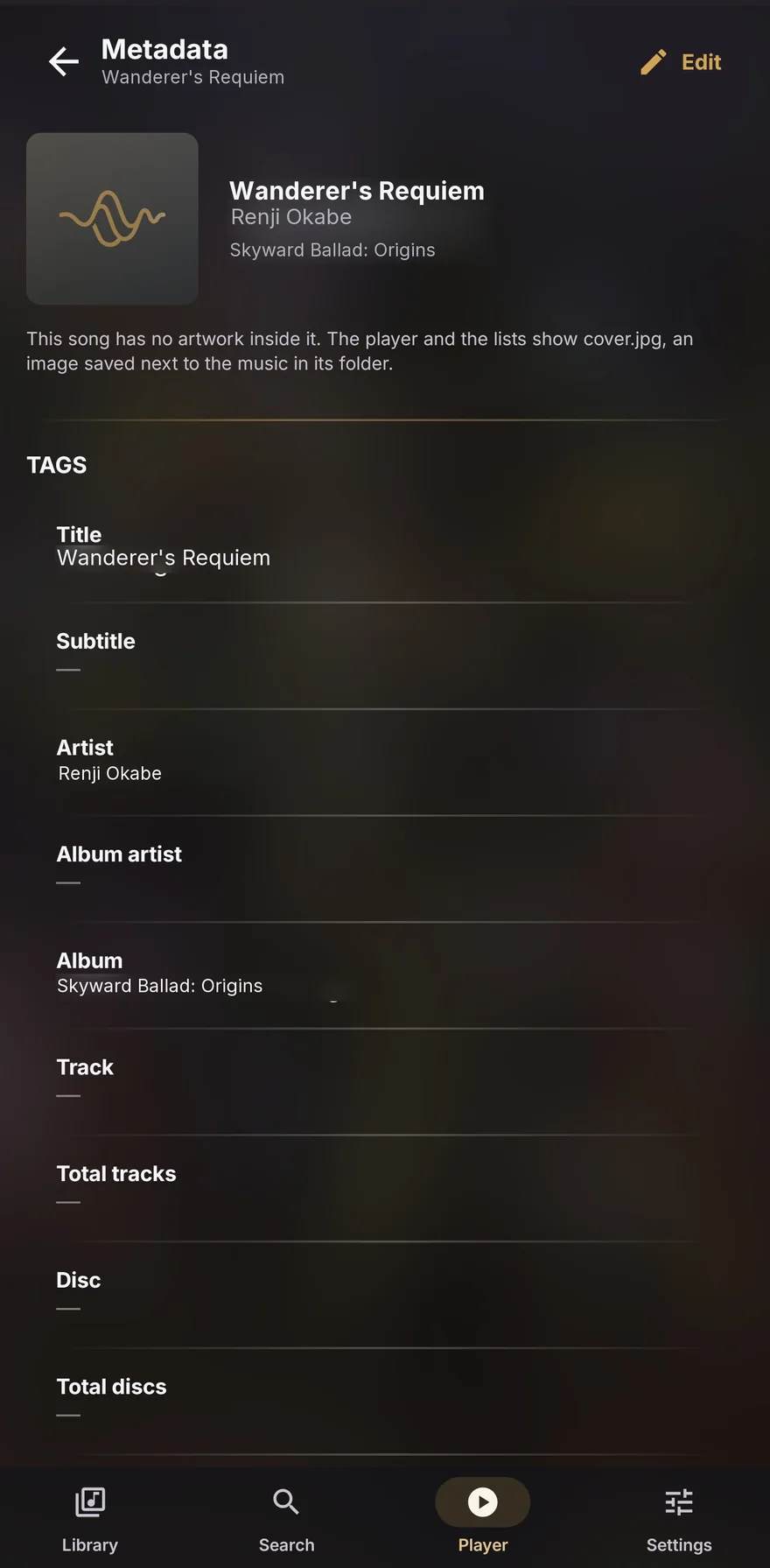
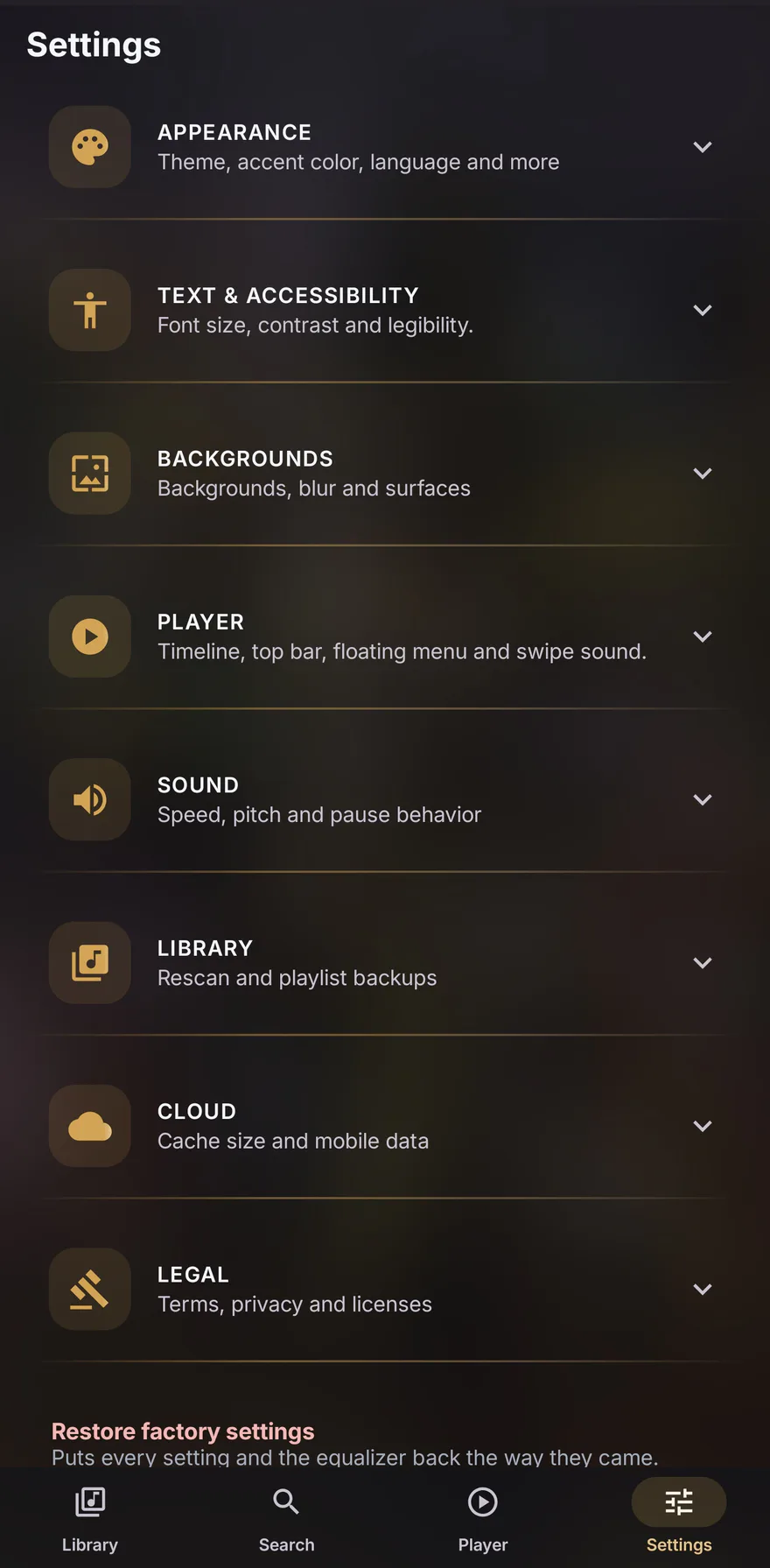
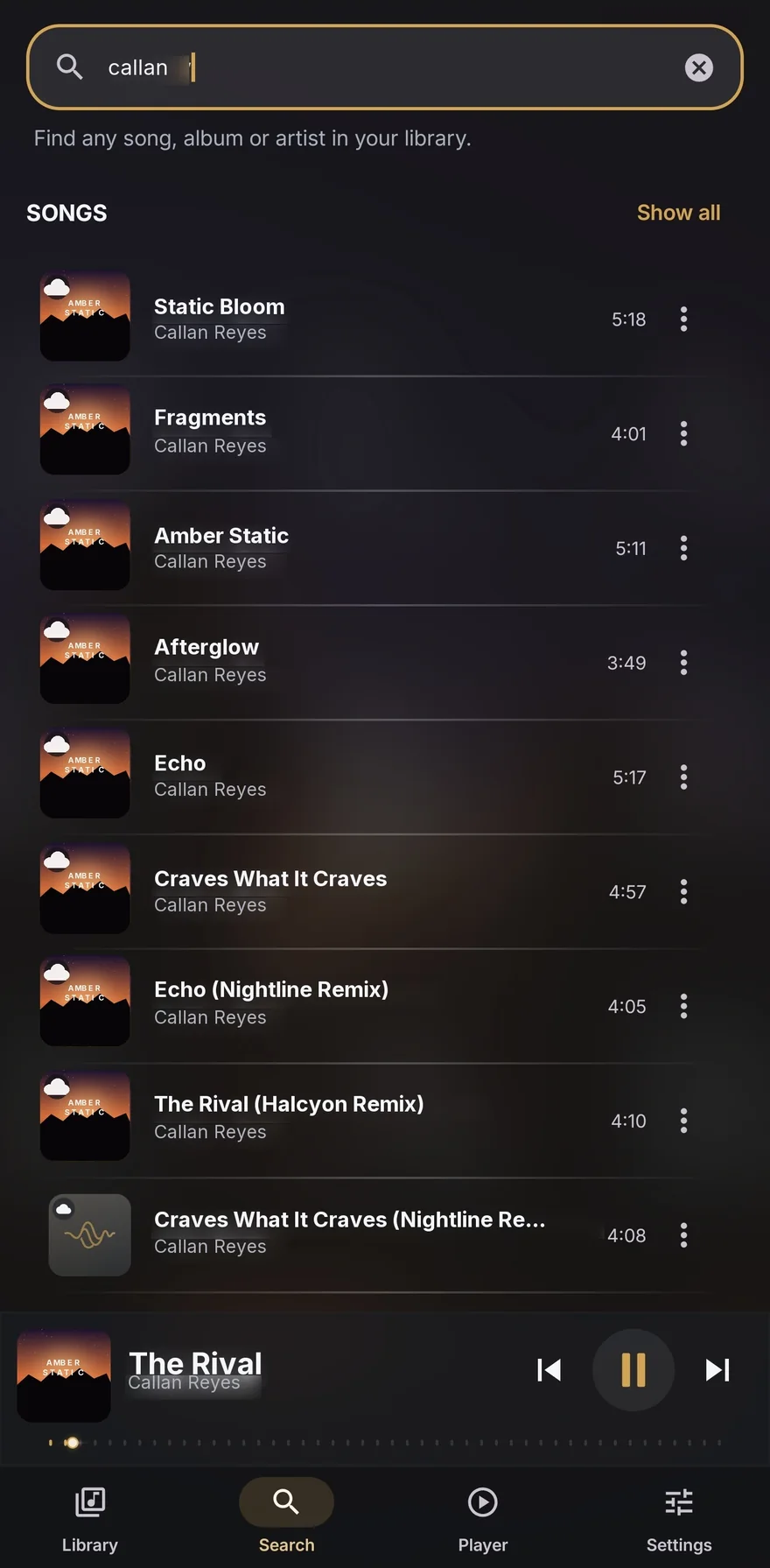
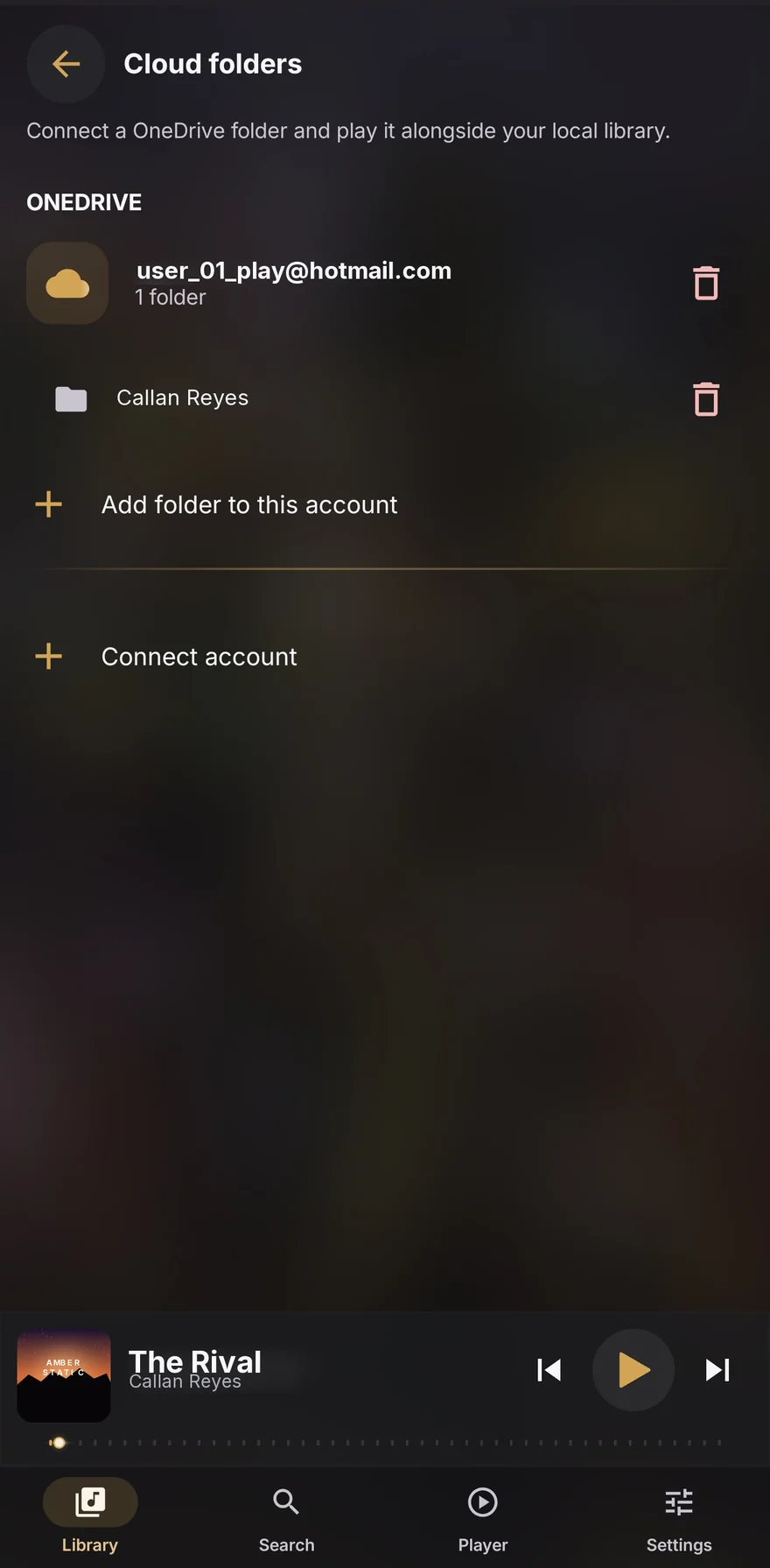


Cover, lyrics, playlists and tags one tap away, with the queue right below. Nothing between you and the pause button.
Covers, titles and lyrics in these screenshots are fictional. The real ones belong to their authors.
On the big screen too
When there is width to spare, the player stops stretching and splits: the artwork and its actions on one side, the title, controls and details on the other. It is not a separate view or a cut-down version — it is the same app using the space.
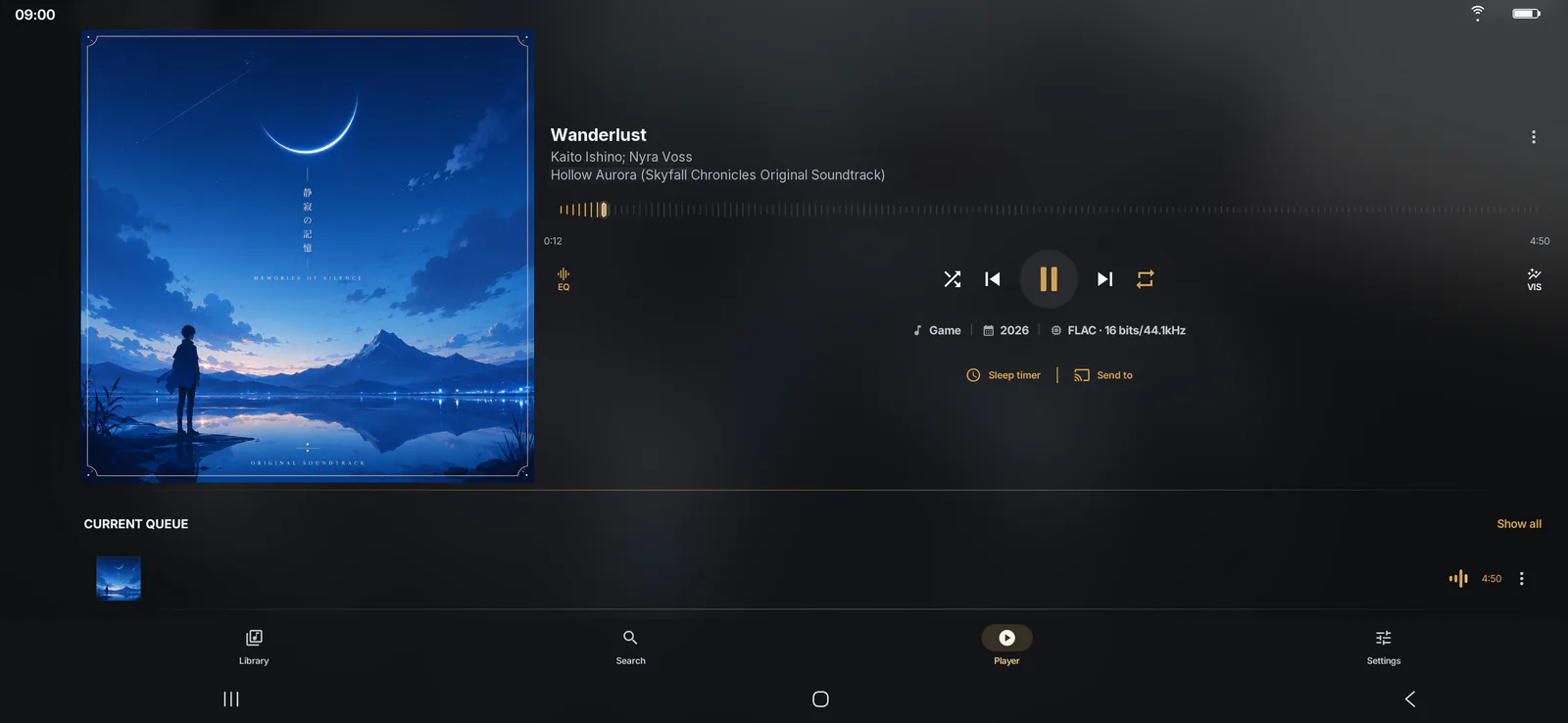
The player's real landscape layout.
Precision engineering
No spec sheet needed: Vesbera feels instant, no matter how big your library gets (a connected OneDrive folder searches and sorts the same way, but playing it depends on your connection).
Ten songs or your whole collection, Vesbera opens just as fast.
The side index takes you right there, no waiting, no weird jumps.
It gets itself ready the moment you install it, so you never feel a slow first launch.
Nothing to upload: your music never leaves your pocket.
Privacy by design
No mandatory accounts, no ads, no tracking. Your library, your lists and your history stay on the phone.
Platforms
Vesbera was born on Android and lands there first. The desktop comes next, with the same idea as always: your music is yours, and it never has to leave your hands.
In closed alpha
The app is complete and being tested with a group of testers on Google Play. The public download arrives once the last round of bugs is closed.
In the works, no date yet
The same library, on the desktop: finding one song among thousands with the keyboard, sorting folders with room to spare, and the same studio equaliser in a window.
The desktop version is still in design: the above is the intention, not a date or a closed list of features. Once there is a date, it will be announced here and in the status at the end of this page.
Fifteen languages
The interface is 100% translated into fifteen languages, with no strings falling back to English. Follow the system language or pick another one inside the app.
Legal texts are published in Spanish and English, the two versions reviewed word by word, with a selector inside the document itself.
Frequently asked
Short answers, no small print.
No. Vesbera opens and works with no sign-up and no data. The network only comes into play if you decide to buy Premium, because Google Play handles that.
01From the files already on your phone. Vesbera is not a streaming service: there is no catalogue to browse and nothing to download. You grant permission to read your music and seconds later your library is sorted.
02The app is free and complete: library, player, playlists, lyrics, widgets and statistics. Premium is a one-time purchase, not a subscription, and it adds the studio equaliser and the advanced tools. You pay once and that is it.
03Nobody. And that is not a promise: there is nowhere to send it. We run no content servers, there are no ads and we build no behavioural profiles. The only exceptions are a brief technical check on a Premium purchase and, if something crashes, a technical Crashlytics report you can turn off whenever you like: neither one touches your library, favourites or history. All of that stays in the app's private storage.
04No. In lab testing with 500,000 local songs, opening Albums takes 1.2 ms, because the app only asks for the 60 songs you are looking at instead of loading the whole library. A huge library moves just like a small one (with OneDrive, speed also depends on your connection).
05Only when you ask it to. The tag editor writes inside the file you are editing, and Audio Lab creates new files wherever you choose, never deleting the original. The rest of the time Vesbera only reads.
06Nothing, as long as you asked Vesbera to keep a copy of them. It saves each playlist in a folder you choose, in a format any player understands, and uninstalling never touches that folder. When you come back, or move to a new phone, you import the file and the playlist rebuilds itself with the music you have.
07No! Vesbera has only just begun. There are plenty of improvements and new features still to come, and every one of them will arrive with the same care for detail you see today: no ads, no accounts and nothing between you and your music.
08Vesbera is in closed alpha right now: it is being tested by a small group of people on Google Play, a step before opening the download to everyone. The current status, with its date, is at the bottom of this page.
09
Coming soon
Vesbera is coming to Google Play for Android 9.0 or later. Free download, with an optional one-time purchase to unlock Premium.
We trimmed the cost of several animations so the app feels snappier day to day. And since the project keeps growing, we’ve opened the closed test to more people — if you want to try it before anyone else, now’s a good time to join.
The test group grew, to catch and fix as many bugs as possible before opening the download to everyone.
Performance got a thorough pass against genuinely large libraries, and the last missing features are closed off: saved queues and real, unlimited shuffle. Already in the hands of the same testers.
Testing made it clear that something was missing for the experience we want, so it was added without waiting. It is already with the same testers.
Being tested by a small group of testers on Google Play. There is no public download yet.
Curious to try it now? Join the closed test on Google Play — the crew keeps growing.
Join the testGoogle Play and the Google Play logo are trademarks of Google LLC.